Z.ai (Zhipu AI)
The AI company behind the GLM family of models. Z.ai also runs the Z.ai chat assistant and the developer platform at docs.z.ai.
AutoClaw works on your Windows or macOS computer and carries out multi-step tasks from plain-language instructions. It ships with 50+ built-in skills, powered by GLM — Z.ai's own model family. Downloading is free.
★ Referral links — they support this guide and never cost you extra. You land on the official AutoClaw site.
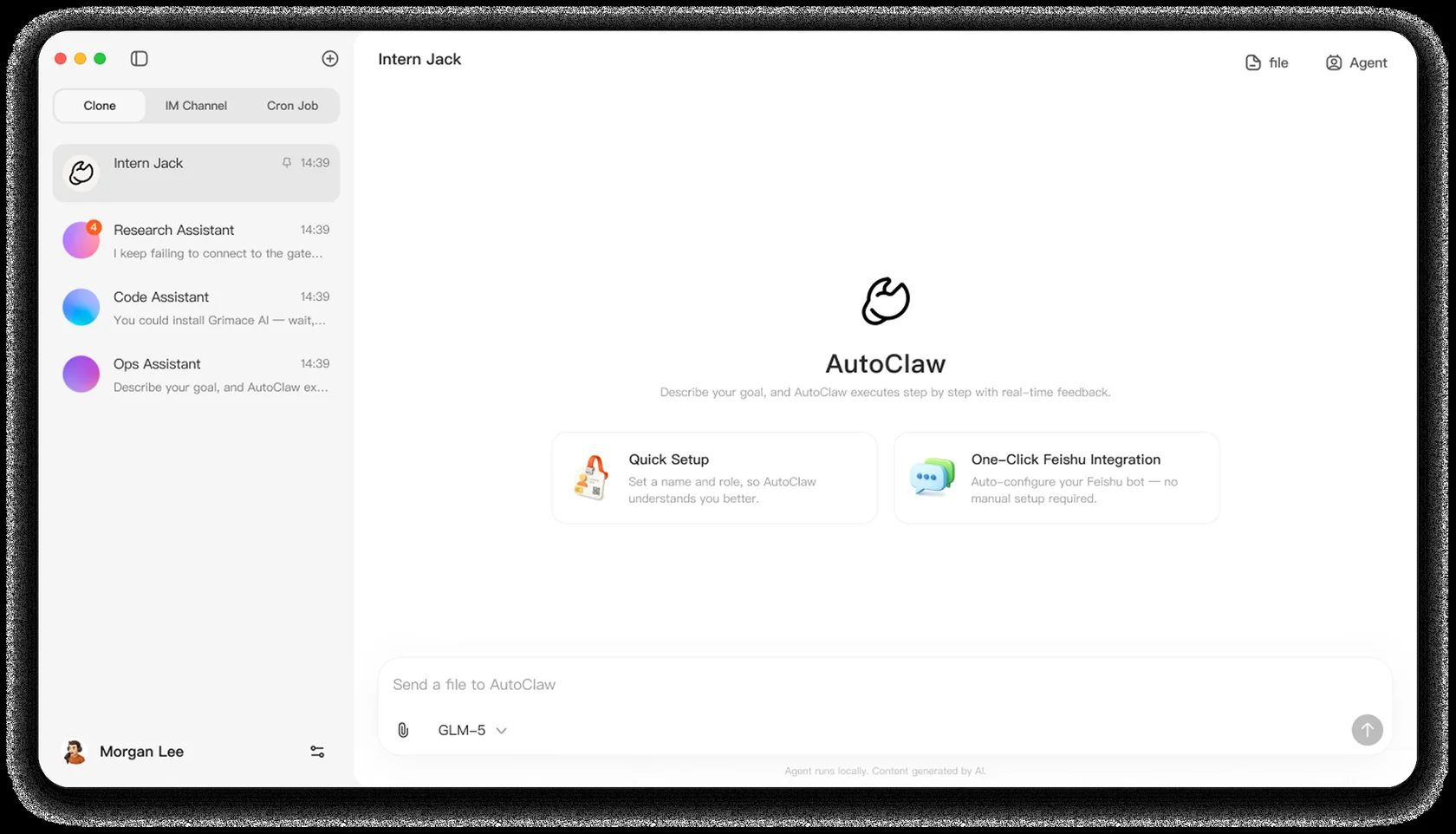
AutoClaw is a desktop application that runs Z.ai's AI agent on your own computer. You say what you want in everyday language. It plans the steps and uses tools such as a browser, files, and messages — and shows you its work before handing over the result.
Zhipu AI — the company behind the international brand Z.ai — launched AutoClaw on March 10, 2026. Press described it as a one-click desktop version of the open-source OpenClaw agent, with more than 50 skills pre-installed.
The shape of AutoClaw: chat on the left, tools and a live browser panel on the right, tasks you can check.
AutoClaw is made by Z.ai — the international brand of Zhipu AI, the AI company behind the GLM model family. Z.ai launched AutoClaw on March 10, 2026, and its launch was covered by Bloomberg.
The AI company behind the GLM family of models. Z.ai also runs the Z.ai chat assistant and the developer platform at docs.z.ai.
GLM is Z.ai's model family. AutoClaw's official site currently highlights GLM-5.3-Flash, and GLM Coding Plans work inside AutoClaw.
OpenClaw is the open-source AI agent engine. Press described AutoClaw as its one-click desktop version, with skills pre-integrated.
It ships with 50+ built-in skills for documents, data analysis, browser automation, and messaging — and you can ask for new steps in plain language.
Install AutoClaw on Windows 10+ or macOS (Apple Silicon and Intel). The agent keeps its working files in its own folder on your machine, and you watch each step as it works.
Draft reports, build slide decks, clean up spreadsheets, and read PDFs — including scanned pages.
It searches, opens pages, and works through multi-step website tasks in a browser you can watch.
AutoClaw connects to messaging apps so tasks can start and update where you already talk. The official site lists IM workflows among its core skills.
AutoClaw Web runs in your browser. Teams can share helper assistants, keep their chats in sync across messaging apps, and watch progress live.
AutoClaw is built to show what it plans to do and wait for your OK before external actions like sending email or creating events. Powerful operations pass through approval gates you control.
Five steps take a task from your goal to a finished result. These walkthroughs reflect the author's hands-on testing of AutoClaw.
You state the outcome in plain language. AutoClaw keeps that goal visible until it's done.
It breaks the work into steps and decides which tools and checks each step needs.
It carries the steps out in order — searching, browsing, writing files, or running approved commands.
In the author's testing, it re-read files and compared output to the goal before finishing — and you can watch each step as it goes.
You get the deliverable — a document, a draft email, a deck — and approve anything that sends or publishes.
Seven everyday tasks, end to end. Each one starts from a plain-language goal; AutoClaw shows its work and gives you the deliverable to review before anything leaves. The same flows work for school, family, and team tasks.
Basic usage is free. According to the official download page, a daily free credit allowance is included, so you can try it before paying anything.
For bigger workloads, Z.ai sells GLM Coding Plans — monthly subscriptions that work inside AutoClaw. Prices and promotions change often, so check the official page for current offers.
The download is free and works on Windows 10+ and macOS. Start with one small task you already know — AutoClaw will show you each step and ask before it acts.
Referral links marked ★ support this guide at no extra cost to you.